- Once you've integrated with LinkedIn, next up is Analytics. This will allow you to see your Post Analytics from within your Curatebase dashboard.
- Click the
 icon on the Menu Bar, or visit the Chrome Store here to install our Chrome Plugin.
 - Once installed, click the Curatebase icon on your Chrome Extension bar - this will trigger a pop-up:
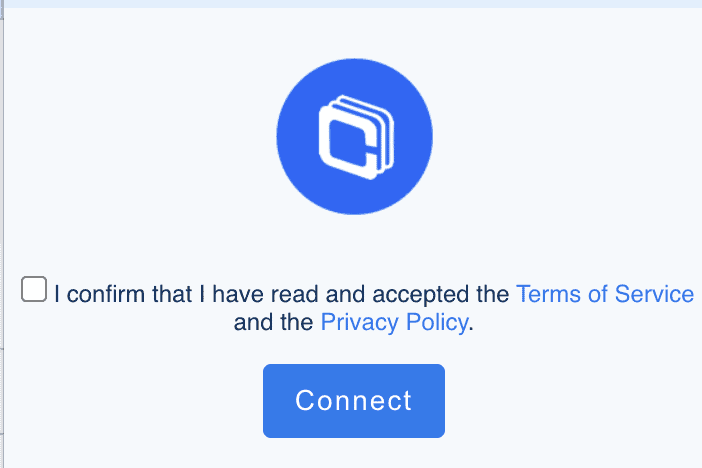
- Once you click Connect, you will be presented with a second screen, meaning you're successfully connected.

Connecting Analytics
Was this article helpful?